
Custom QR workflows

Turn any QR code into a field workflow you can prove happened.

Build the process your site needs — forms, documents, acknowledgements, identity and location checks — then deploy it by QR code or link.
Every run creates a timestamped audit record.

  • No app required
  • QR or link
  • Downloadable reports
  1. Scan QR

  2. Follow workflow

  3. Audit record created

Live Examples

Make it concrete.

Worker scanning a QR code at a reception desk during site induction.

Site induction

Place a QR code at the building entrance. When a tradesperson scans it, they receive your induction documents and acknowledge that they have read them. SealAudit records their acknowledgement on completion.

QR code for the Site induction live example.Scan or open example
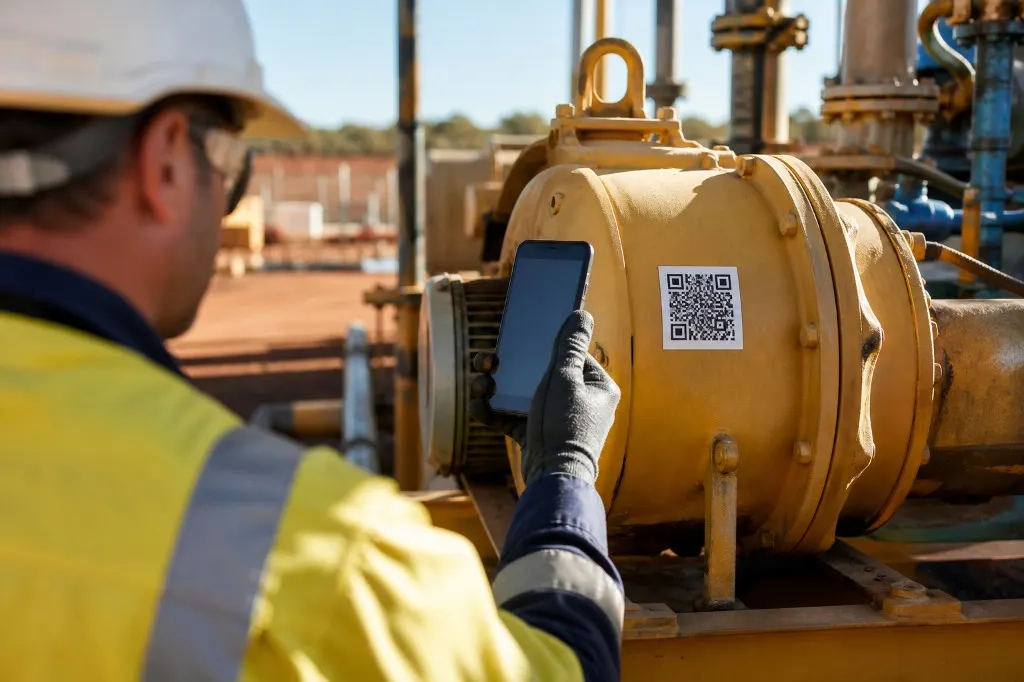
Technician scanning a QR code on yellow industrial machinery during a maintenance inspection.

Maintenance inspection

Place QR codes on assets. When technicians scan one, SealAudit confirms they are at the asset using GPS and presents an inspection form. Completed inspections are recorded and ready for reporting.

QR code for the Maintenance inspection live example.Scan or open example
Two workers at a mining site review a rugged tablet beside a haul truck during equipment handover.

Equipment handover

The receiver scans the QR code and completes a checklist describing the equipment's condition. The completed handover is recorded in SealAudit, and every form can be customised for your process.

QR code for the Equipment handover live example.Scan or open example
Delivery driver handing a box to a site worker who confirms the handover on a phone.

Delivery handover

The recipient scans a QR code, signs in or creates an account, then records the delivery condition and accepts it. SealAudit keeps the resulting acceptance record with the handover.

QR code for the Delivery handover live example.Scan or open example

These are examples — you choose the trigger, checks and steps.

Audit trail

A record you can actually use later

See who ran the workflow, when they ran it, what they completed, the evidence captured and which workflow/document versions applied.

  • Who ran the workflow
  • When they ran it
  • What they completed
  • Evidence captured
  • Workflow & document versions
How the audit trail works

Pricing

Simple pricing and quick setup.

All plans include the workflow builder: QR/link triggers, forms, files, acknowledgements, optional verification and audit records.

Free

Workflows
5
Scans per month
100
Priority support
Not included

$0

/ month

Recommended

Teams

Workflows
20
Scans per month
1,000
Priority support
Included

$399

/ month

Enterprise

Workflows
Unlimited
Scans per month
3,000
Priority support
Included

$999

/ month

Paid plans are billed monthly. Cancel anytime.

Why teams switch

Outcomes that matter on site and when you need the record.

Launch in under 10 minutes

Stand up a new field process instead of waiting weeks for custom development or vendor meetings.

Zero training for field teams

They already know how to scan a QR with their phone camera.

A complete audit trail of every run

Timestamped records show who started it, what they completed, and what evidence was captured.

Reuse files and forms everywhere

Share the same documents, forms, and acknowledgements across every site without duplication.

Standardise across locations

Run the same process at dozens of sites with workflow version references on every record.

Create your own QR codes and workflows